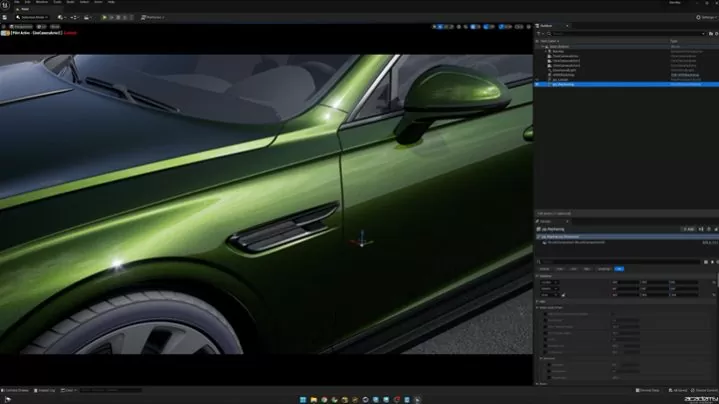
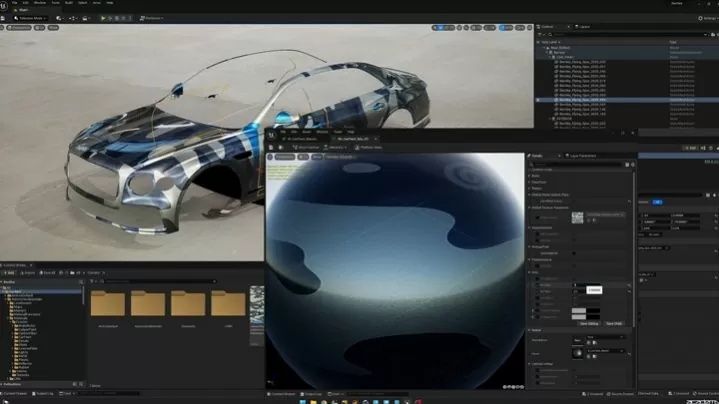
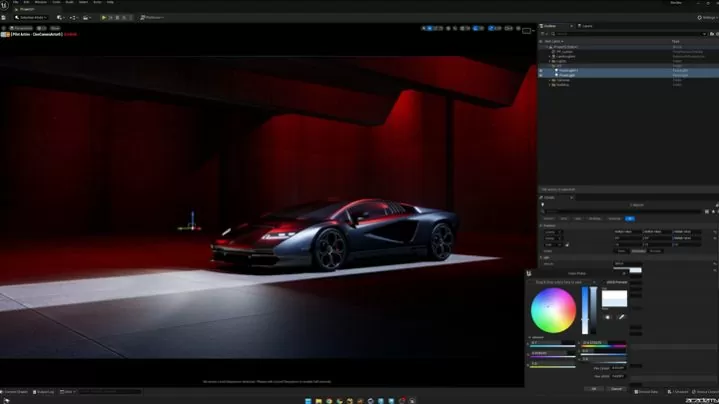
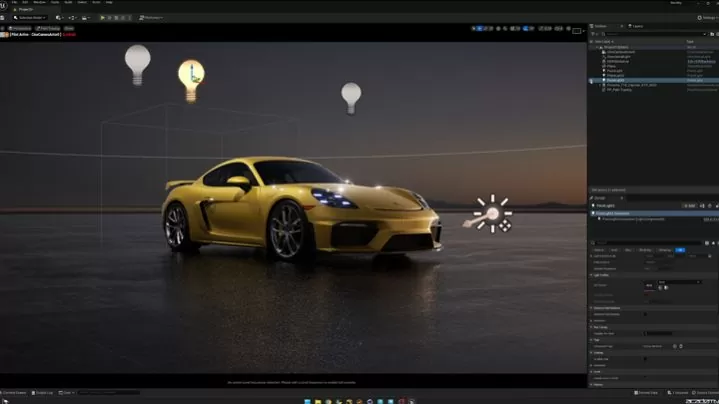
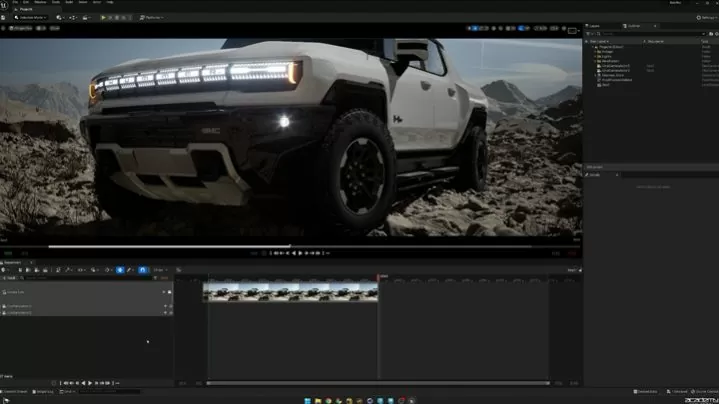
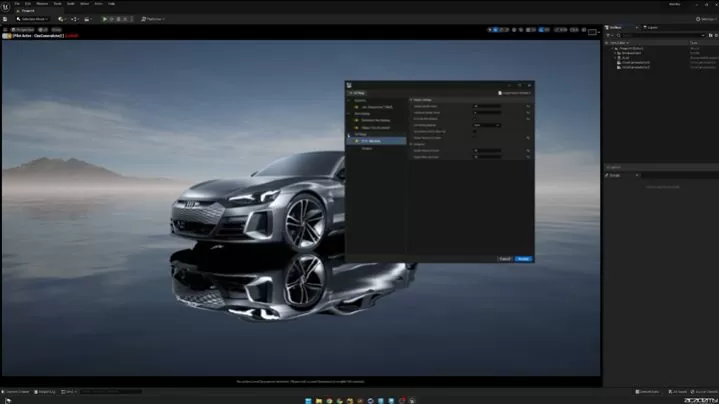
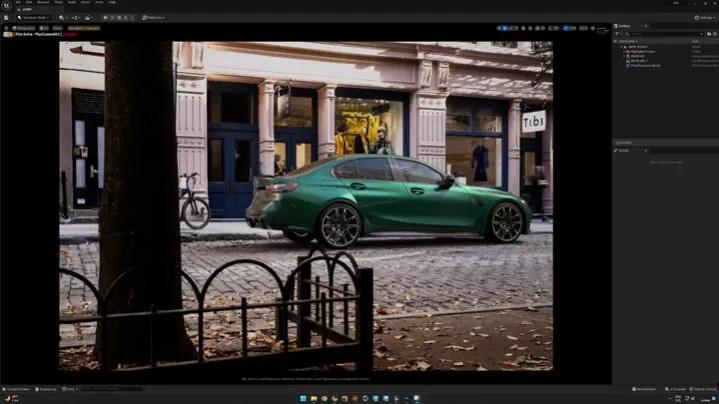
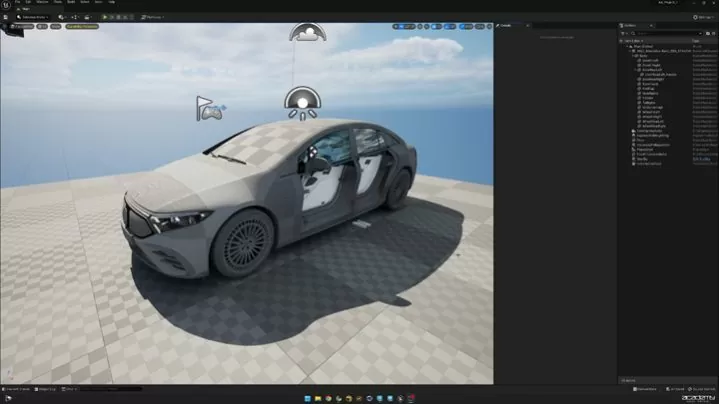
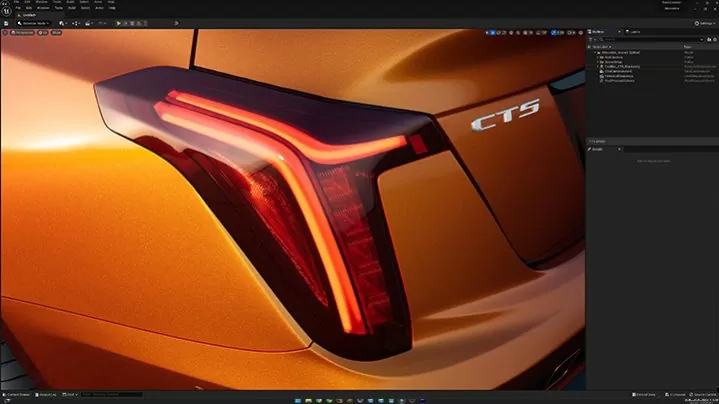
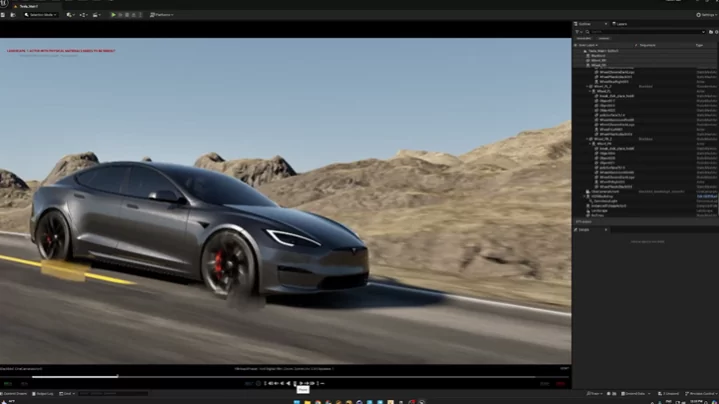
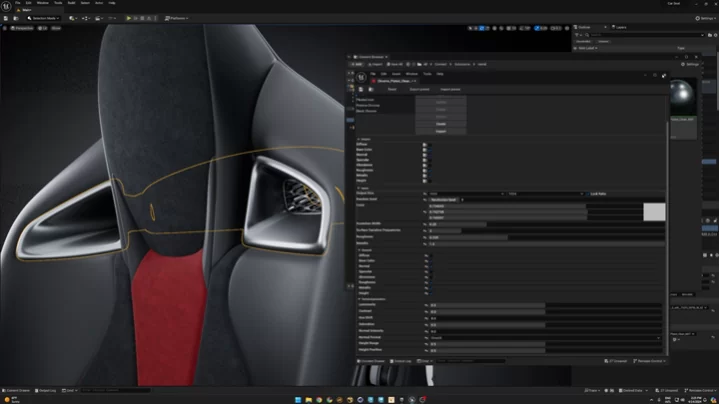
Done by the student

MODESTAS KELIOUTI

Unreal Engine Automotive Masterclass

Structured for all levels and perfect starting point for beginners and a valuable resource for advanced users.

START DATE

Instant Access

DURATION

11h 26m

SKILL LEVEL

Beginner to Advanced

LECTURES

121 Lessons

LANGUAGE

English

STATUS

Not Enrolled

Course Content

Intro
Disclaimer
1:31
System Configuration
Timeout Detection and Recovery
2:42
GPU Selection
2:00
Project Files
Downloads
Basics
Epic Games Launcher
1:59
Project Folder
1:09
Project Files Re-Association
1:44
Interface
1:35
Toolbar
5:27
Viewport
6:10
Navigation And Shortcuts
1:27
Content Browser
1:12
Outliner Vs Layers
4:30
Importing Assets
Importing FBX
6:15
Importing as Datasmith
8:08
Importing Cineware
2:18
Power of 2 Images
2:11
Impoting Textures
3:00
Importing HDRI
2:01
Importing from Library
0:47
Import from Quixel
2:00
Importing from oher projects
2:00
Lights
Lights Overview
3:06
Directional Light
4:57
Point Light
2:26
Spot Light
1:20
Rect Light
2:50
HDRI Backdrop
5:09
Sun and Sky
1:17
IES Lights
4:25
Cameras
Camera Actor
2:26
Cine Camera Actor
2:44
Materials
Material Creation Overview
1:24
Basic Material
7:15
Constant Vectors
6:39
Switch Parameter
5:15
Multi-Texture
6:03
Normal Map Intensity
3:48
Emissive
3:21
Transparent Material
5:16
Automotive Material Overview
1:24
Project Settings Essentials
Project Settings
5:32
Post Process Volume
5:52
Plugins
1:32
Levels
1:45
Duplicating Levels
0:54
Lumen vs Ray Tracing vs Path Tracing
Comparasion
4:37
Setting up Ray Tracing
5:45
Setting up Lumen
3:35
Setting up Path Tracing
3:47
Model Prep
Car Paint
12:19
Exterior Trim
10:22
Glass
3:42
Plastic and Rubber
4:13
Headlight and Tailights
8:10
Blocker
4:03
Basic Interior
4:10
Brakes
9:45
Tire
19:11
Project | Ray Tracing (Deprecated)
Part 1
10:12
Part 2
9:58
Part 3
6:18
Project | Lumen
Part 1
13:10
Part 2
11:31
Part 3
6:15
Project | Path tracing
Part 1
9:58
Part 2
9:41
Part 3
9:22
Sequencer
Sequencer Overview
5:47
Timeline
3:27
Key Frames and Cameras
9:25
Custom Atributes
12:05
Animation with Curves
2:18
Master Sequencer
3:29
Movie Render Queue
Overview
4:36
Settings Overview
5:35
Required Settings
9:33
Enable Features
0:46
Lumen Settings
5:59
Ray Tracing Settings (Deprecated)
3:01
Path Tracing Settings
4:53
Custom CVAR
2:39
Rendering
Rendering Ray Tracing Project
7:06
Rendering Lumen Project
8:37
Rendering Path Tracing Project
7:56
HDRI + Backplate
Overview
1:20
Scene Exposure
2:14
Scene Setup
3:26
Backplate Material
3:51
Light Properties
2:02
Lighting Adjustments
10:57
Render Setup
1:22
Animation
Important Consideration
11:04
CAD Preparation
10:43
Updating CAD
4:51
Car Scene
4:09
Dummy Car
8:20
Rig Concept
1:03
Rigging
12:59
Animation
21:05
Camera Animation Sequencer
19:07
Camera Shake
3:35
Bonus Lesson
15:14
Advanced Glass Material
Glass Material Overview
1:13
Lumen Glass Basics
9:34
Lumen Textured Tinted Glass
6:31
Lumen Glass Opacity Mask
5:18
Lumen Glass Normal Map
17:53
Lumen Glass Transparency Fix
3:48
Path Tracing Glass Basics
7:07
Path Tracing Normal Map
17:57
Substance Materials
Installation and Requirements
3:15
Substance Templates Usage
7:56
Material Parameters 1
9:04
Material Parameters 2
9:27
Fixing Texture Seam
4:21
Pro Tips
Custom Splash Screen
1:45
Vertical Lines Issues
2:41
Detach HKV Studio 3D Models
12:03
Fixing Flipped Normals
2:52
Fixing Lumen Reflections
2:29
4.8 2 Reviews
1
1
0
0
0

Reviews

by Allan Portilho May 2, 2025

asdasd

One person found this helpful
by Allan Portilho May 2, 2025

Test